An easy intro to the Backend, Servers, APIs, etc..

Introduction
This is the guide I wish I had years ago…
I'll introduce you to the world of backend development by explaining key concepts and terminology. I'll keep it simple, avoiding technical jargon as much as possible, and there won't be any actual code.
Application
Some code that runs on a computer and does something.
This is such a broad term. You can pretty much think of any code you write as an application, or at least a part of one! The world is full of various types of apps, each with its own unique purpose.
For most of these apps, there's a lot going on behind the scenes that the end user isn't aware of. As a user, you typically only interact with the frontend, but there's a whole other world, the backend, which is essential for making apps function. Let's start with a brief recap of the frontend.
Frontend
Apps that run on your computer/device.
A frontend (a.k.a “client”) is any app designed to run on your device (computer, phone, tablet, console, etc…). Generally, they provide a graphical user interface (GUI) where you can see things and click on stuff! When you think of an application, the frontend is probably what comes to mind. It's the part that you see and interact with.
For example, I'm using the Google Docs frontend to write these words. The web app is running in my browser on my computer.
Backend
Apps that run on Server Computers.
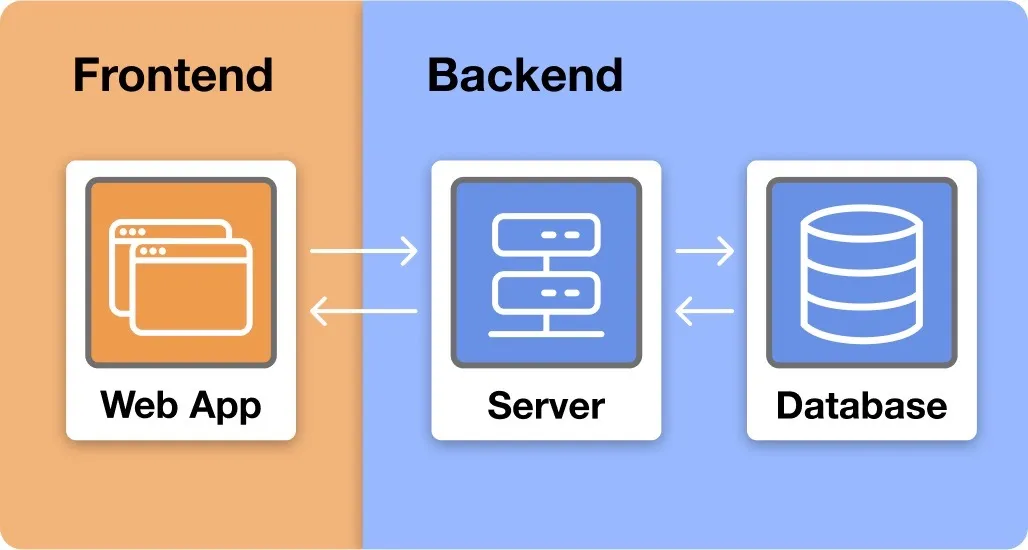
A backend is an app (or set of apps) designed to run on server computers. Generally, they allow frontend apps to store information in a database and communicate through the internet using servers. We will take a closer look at databases and servers in the next sections.
You might be wondering: “Why do we need backends?” To help answer this, let's imagine trying to create an app like YouTube and explore how the backend addresses some key challenges we would face:
Challenge 1: Storing content We need a way for people to upload videos. If a user has a video file that they want to share, they should be able to upload it to our site and share a link to it so that their friends can see!
Solution: Database We need a database! This will allow users to store videos on our site. We will dive deeper into databases later, but for now, it's enough to know that they allow us to store and retrieve data!
Challenge 2: Distributing Content Once we have videos uploaded, we need a way to deliver them to users on demand. Imagine if every time someone clicked on a video, it had to be sent directly from the uploader's computer to the viewer's device. That would be so clunky and unreliable. You'd better hope Mr. Beast has some good wifi!
Solution 2: Servers Enter servers! Servers are designed to store and deliver information through the internet. As with databases, we will discuss servers in much more depth in the coming sections.
As you can see, backends provide essential services for modern applications. In fact, the entire internet wouldn't be possible without backends! All websites are stored in the backend and delivered to you through web servers. Whenever you go to a website, your computer asks another computer, out there in the world, to send it some frontend code to run (HTML, CSS, JavaScript, images, etc…). This communication happens at incredible speeds through the internet so your webpage loads up within milliseconds! 🤯
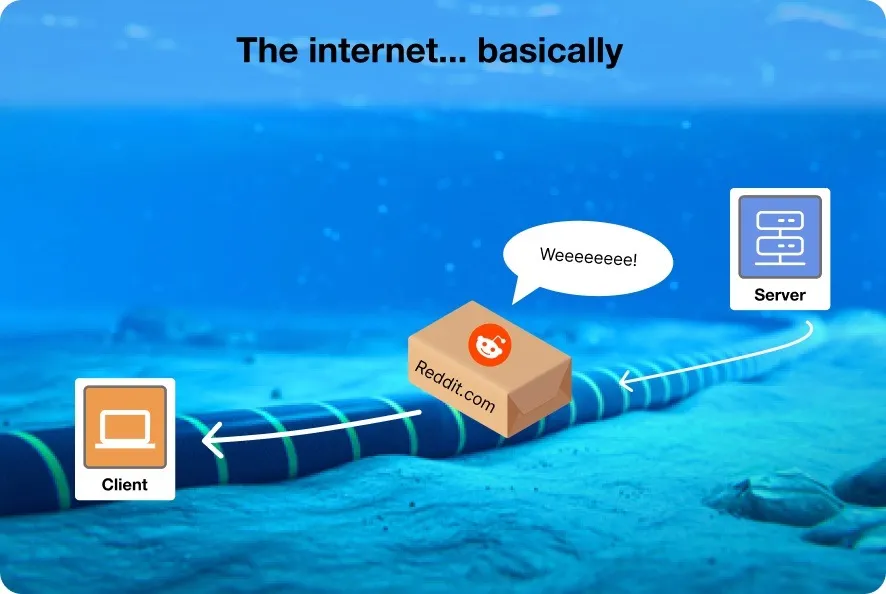
Side note: The Internet 🌐 is a network of (mostly) fiber optic cables connecting computers! They span the entire globe, even across the Atlantic and Pacific oceans! Check out this awesome video for an in-depth explanation.
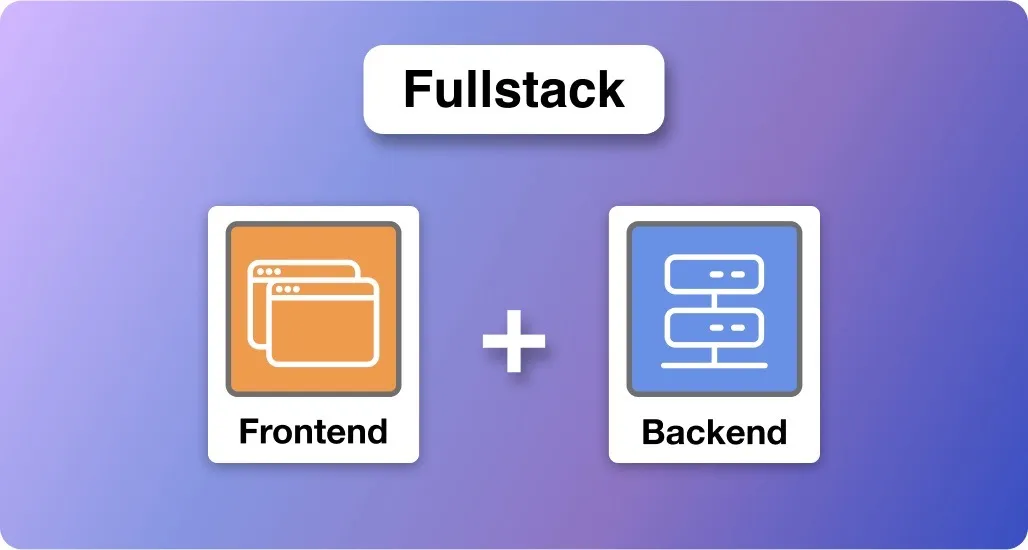
Fullstack
An application that has both a frontend and a backend.
If you know how to write frontend and backend code, you can call yourself a Fullstack Developer and your friends will think you're cool! 😎
Server (Computer)
A type of computer that runs Backend apps.
Okay, we are moving on to servers, but we first need to clear something up…. the word, server, has multiple meanings! 😬 It can refer to a type of computer or a type of application. In this section, we are talking about the computer. We will talk about the application next.
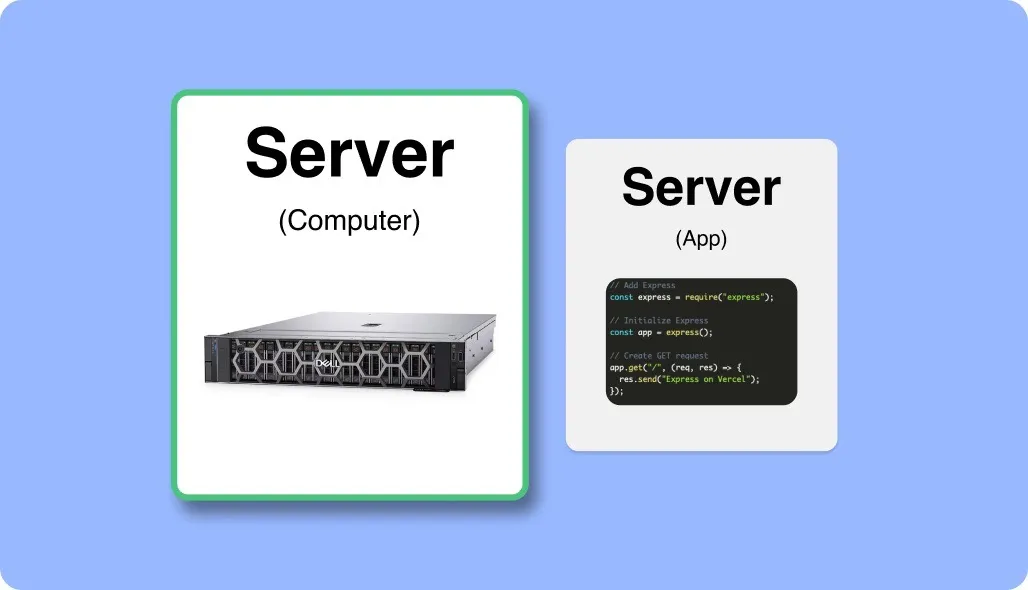
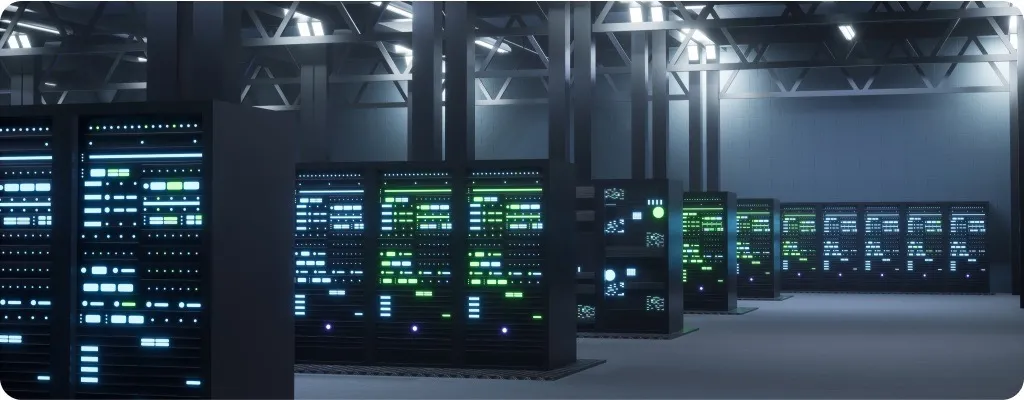
A server is a type of computer, typically found in a data center. They work similarly to the computers you and I are used to, but they're optimized for different tasks. Put simply, they are designed to run backend applications! This means they usually don't have screens, so you need to use other computers and the internet to interact with them!
When you write backend code, you usually run it on your own computer while developing and testing it, but the end goal is to deploy it on a production server!
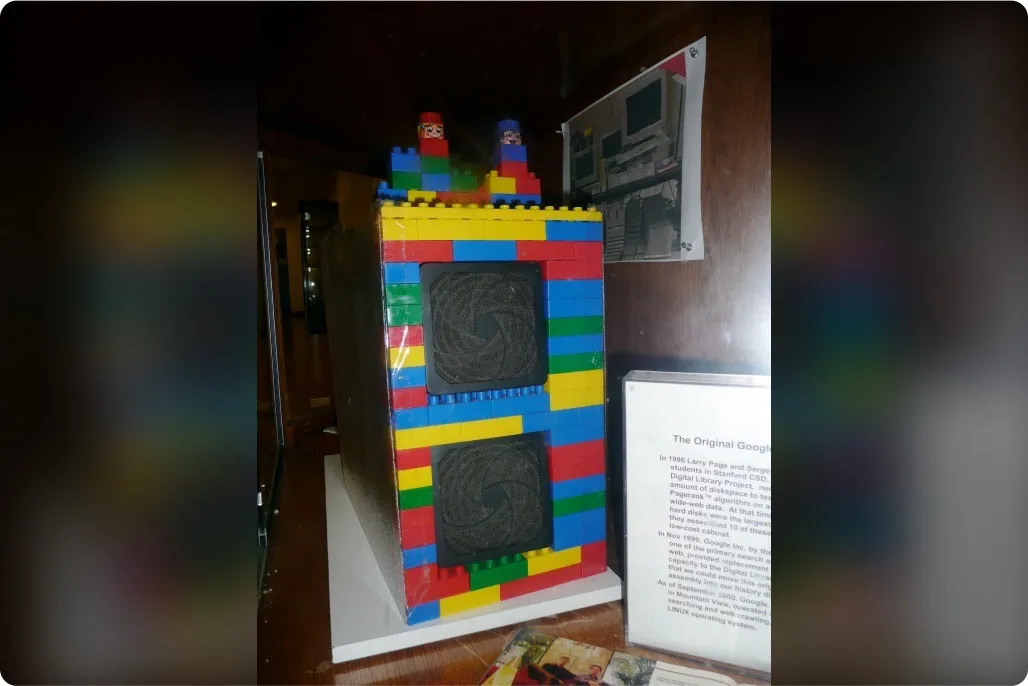
Back in the stone ages, when you wanted your own website, you most likely had to buy your own server computer and set it up in your house. If you spilled coffee on it, your website might go down! 😧
Nowadays, “The Cloud” and “Serverless” computing are convinient alternatives to buying your own server. These services allow you to rent out someone else's servers. They take care of the hardware, the networking and (some of) the software, and you just worry about making a cool application!
Here are the 3 most popular Cloud Platforms:
Server (Application)
An app that interacts with other apps using Requests and Responses.
In the last section we covered server computers, now let's talk about server applications!
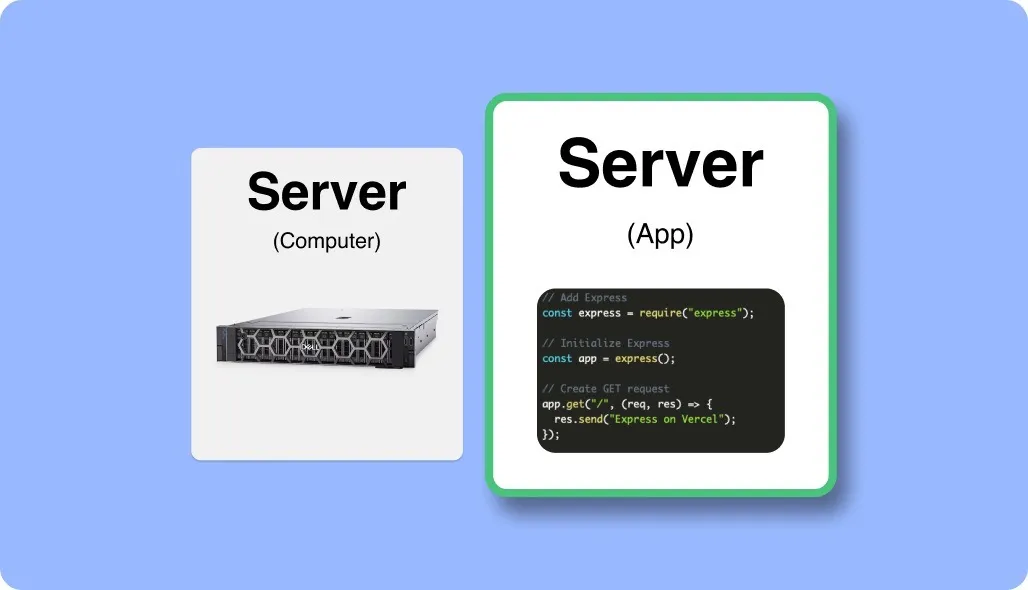
Generally speaking, a server is an application that uses the internet to communicate with other applications. It's like the “front desk” for your backend. It receives requests and returns meaningful responses. It also typically interacts with a database to retrieve or store information. All of this takes place on Server Computers!
Let's walk through how a server helps someone login to an application:
Frontend: “Hey, server 👋 ! This person wants to log in. Here's the Username and Password they entered. 💌”
Server: “Thanks, frontend! Let me check my database… 🫡”
Server: checks database 👨💻
Server: “Yep! That user exists in my database! 👍”
Frontend: “Okay cool, I'll grant them entry. 🔓”
This single server may interact with thousands of frontends and even other servers throughout the day! It ensures that the frontends receive the data they need when they need it. It also provides a level of security for the database. If the frontend interacted directly with the database, then a hacker could alter the frontend app to request everyone's passwords!
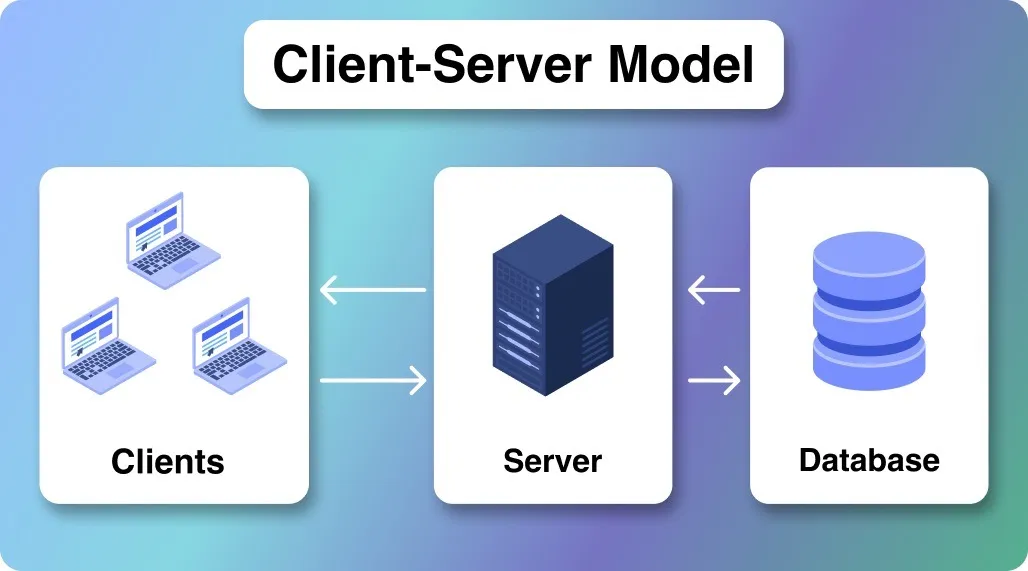
There are many different types of servers: Web Servers, Email Servers, Game Servers, etc… The core, defining feature amongst them is that they all interact with other applications, not directly with humans.
Here's another real world example
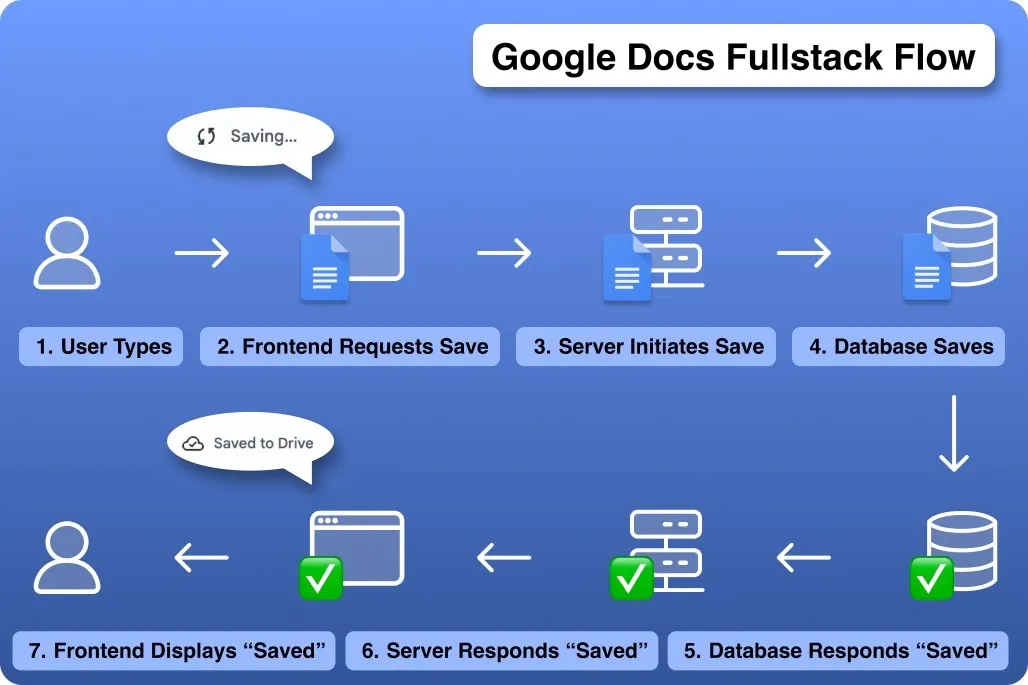
As I type these words in Google Docs,
- The frontend automatically sends requests to Google's servers saying, “Save this document in a database. ✉️”
- The servers save the document in the database, as requested, and then return a response saying “Saved! 💾”
- The frontend, then updates the display to let me know my work was saved!
So, I interact with the frontend, and the frontend interacts with the backend. Thanks, Google Servers! 🙌
Bonus: Server (Waiter)
There's one more type of server that we have to cover:
The kind that work in restaurants, a.k.a “Waiters”!
No, really! They are a surprisingly accurate analogy for servers (application):
- You browse the menu (frontend)
- You give the server your request (backend)
- They get your food from the kitchen (database)
- They return with food (response)

Database
An organized collection of data.
A database is just a collection of organized data! This could be strings, numbers, binary, etc… Where things start to get more complicated is when we consider all the different ways that data could be stored and managed.
To illustrate this point, imagine a hospital that stores all their patients' records on sticky notes, scattered throughout the halls. That's a terrible idea, I know! Storing new records would be a breeze, but retrieving them later would be a total nightmare!
This is the problem that Database Management Systems (DBMS) solve. As the name suggests, they are applications designed to help you manage your data! They typically enforce a specific structure, for your data, and then give you the option to create, read, update and delete data records using code (these are often referred to as CRUD operations).
Note: A common convention is to refer to DBMS's as “databases”. It's just easier and still gets the point across, so for the rest of the article, I will use the term “database” exclusively.
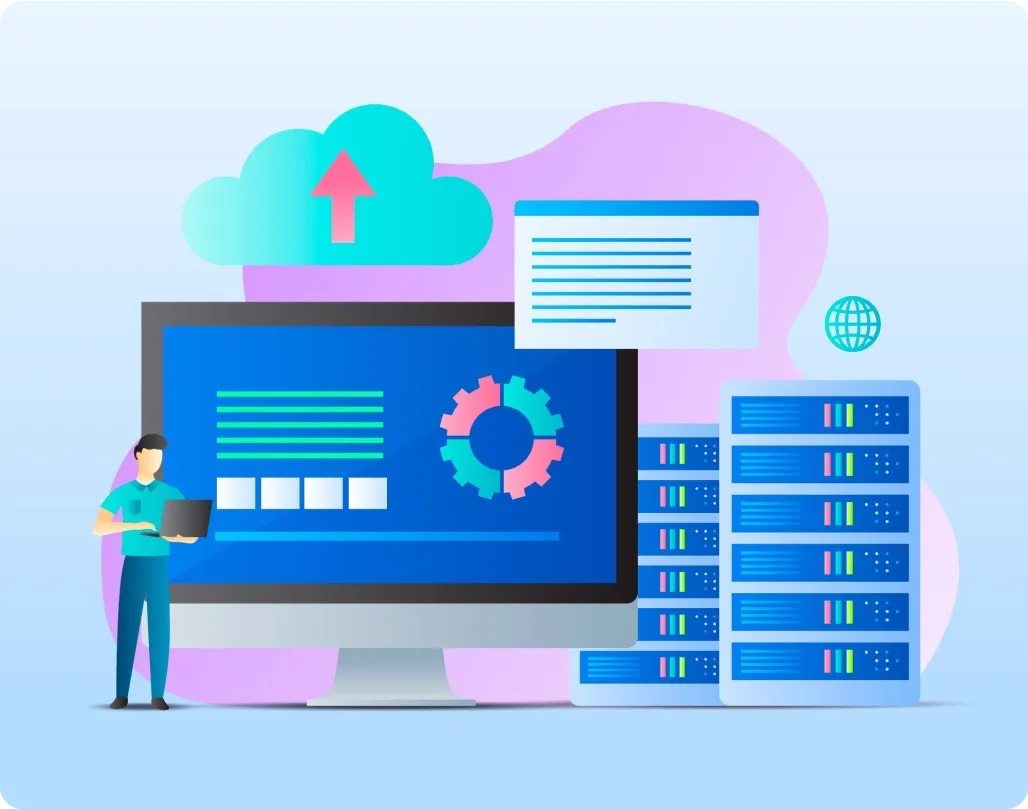
There are many different types of databases (see this list for more). Here, I will introduce you to the three most popular ones:
-
Relational: This is the most common type of database. It stores data in tables, which are made up of rows and columns (think Excel Spreadsheets). You can interact with these databases using a special programming language called SQL (Structured Query Language). The most popular relational databases are MySQL, PostgreSQL, SQLite, and Oracle.
-
Document: This is a type of NoSQL database that stores data in documents, which are similar to JSON objects. The most popular document database is MongoDB, but there are many others, including CouchDB, Couchbase, and Amazon DocumentDB.
-
Key-Value: This is another type of NoSQL database that stores data as key-value pairs. Each key is unique and is associated with a single value. The most popular key-value database is Redis, which is typically used as a cache (for very fast lookups).
Let's Untangle These Terms!
Many of these terms are used interchangeably, so let's do a quick recap to clarify their differences:
-
Frontend & Client: These terms mean the same thing. The client is the end user, so they see the frontend application.
-
Backend: This is an umbrella term for all the apps that don't run on the client's computer/device. So servers and databases are both part of the backend.
-
Server: We use the term "server" for both the computer and the application! 🤷♂️
-
Database & DBMS: Just call it all a database! It's easier to say and everyone does it 😉.
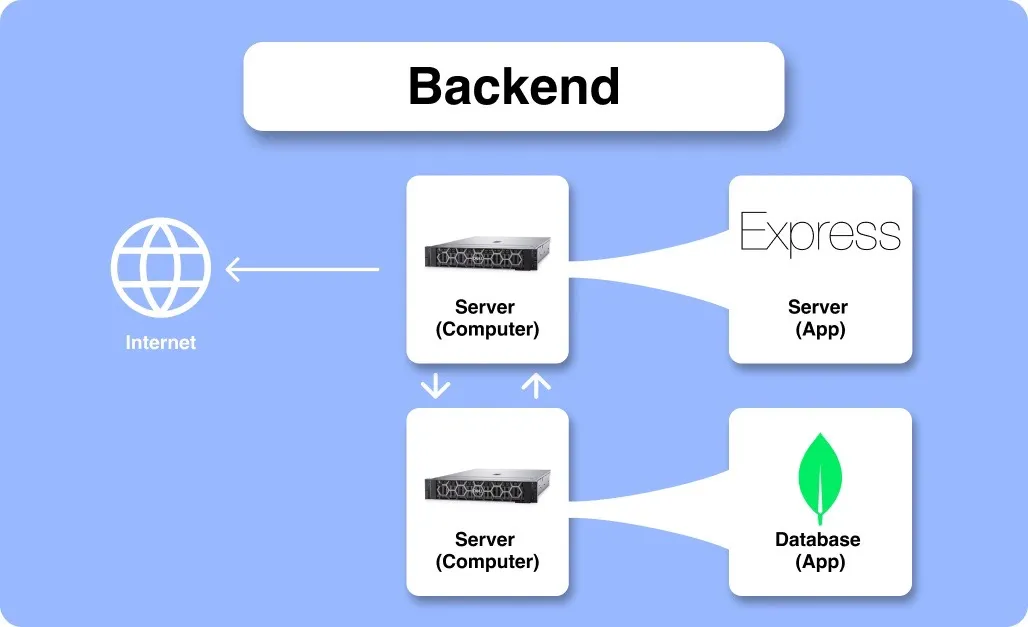
For example: when you write backend code (e.g. using Express and MongoDB) you are writing a server (application) that interacts with a database (application), designed to run on a server (computer).
Bonus: Take a break!
Here are some puppies because your brain deserves a break. 😘🧠

HTTP
A language that apps use to communicate over the internet.
When talking about servers, we introduced the terms “request” and “response”, but never elaborated much on what they really are. Well, here's your explanation: they are packets of data, transferred over the internet using protocols such as HTTP.
HTTP is simply a language that applications use to communicate over the internet. You will learn the basics when creating a server and setting up a frontend application to interact with a server. I won't go into detail here, but I promise, it's not that bad!
Your web browser actually sends HTTP requests to servers on your behalf all of the time! When you type “http://youtube.com” into the search bar and hit “enter”, your browser sends an HTTP request to YouTube's servers, which return the information needed to load the YouTube homepage. You can see the request in the Network tab in Google Chrome's dev tools.
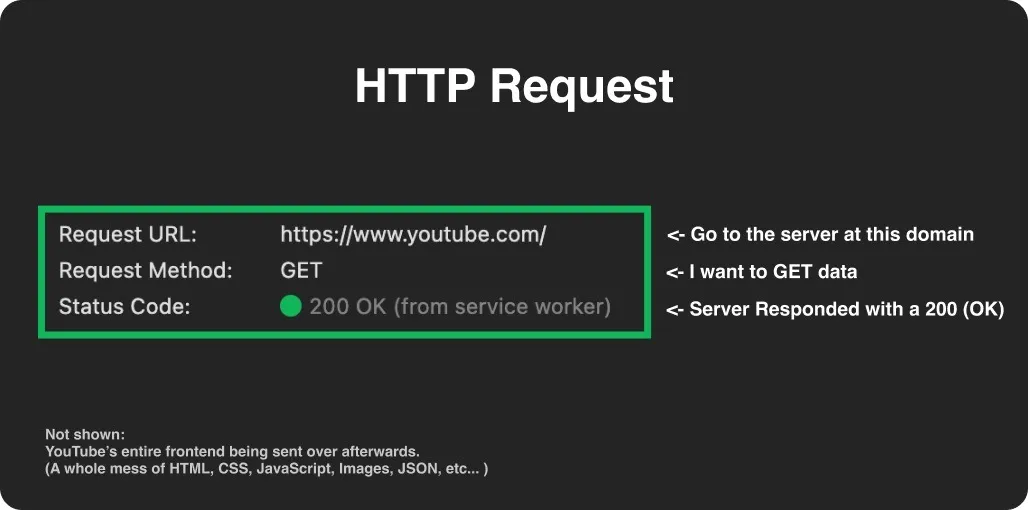
Check out HTTP Cats for some HTTP status codes with cats to match! 🐱
API
An application (or part of an application) that interacts with another application.
This is a big one: API (Application Programming Interface)!
You will see this acronym come up all the time, and like with the term “server” it can mean different things depending on context. In the most general sense, an API allows one application to interact with another application, through code.
So, basically, it's the part of your app or codebase that other people can use in their app or codebase. Whenever you write an application that needs to interact with another application, you will need to ensure that the application has an API.
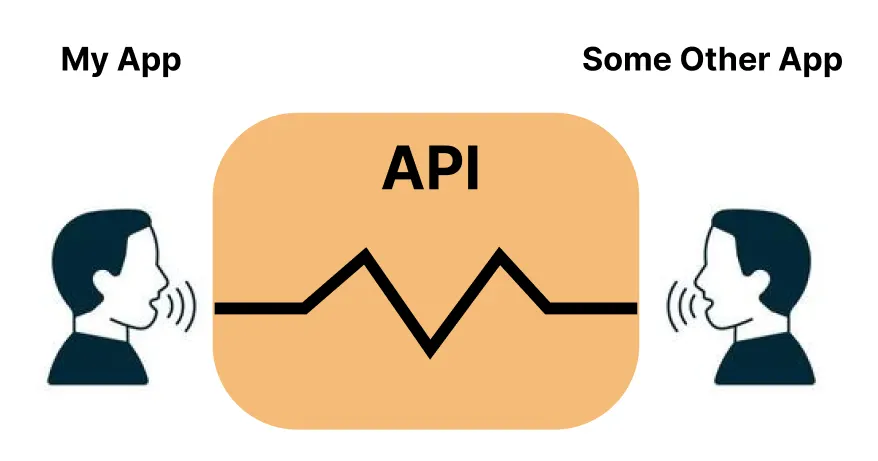
Servers are often called APIs! This is because they allow frontend applications to interact with backend applications… or interaction between backend applications. They are the intersection between one app and another.
REST is a type of API that uses HTTP. It's very common. Any time you make a server you will probably make a REST API (often called RESTful). 😴
Aside from the world of backends, you also see the term API when using code Libraries and Frameworks (like React and Express.js). The creators of these libraries provide guides called “API References”, which explain how to use them. In this context, the API doesn't facilitate interaction between separate applications but rather between the library's internals and your application. It's a layer of abstraction over the complex code that they wrote.
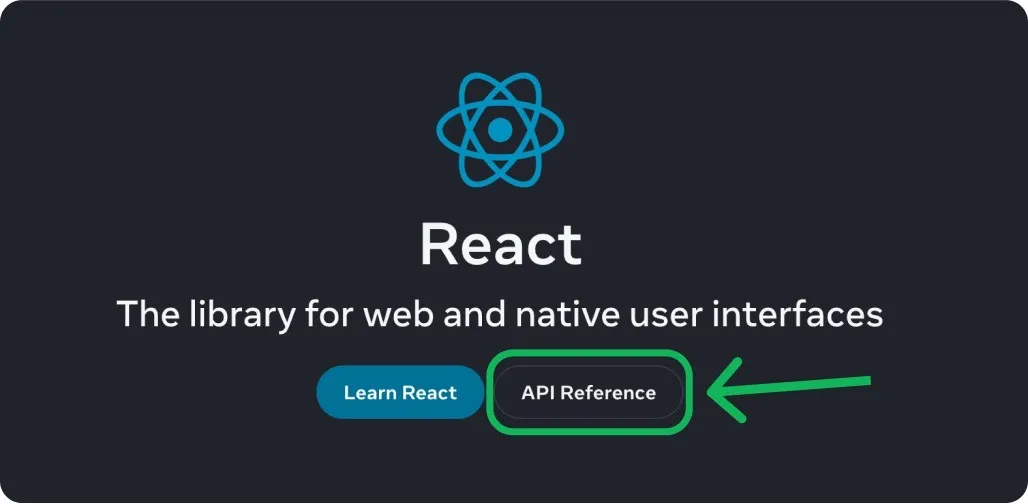
APIs In The Real World
Many companies provide APIs so that developers can interact with their databases and services:
- OpenAI has one, so you can make your own frontend like ChatGPT:

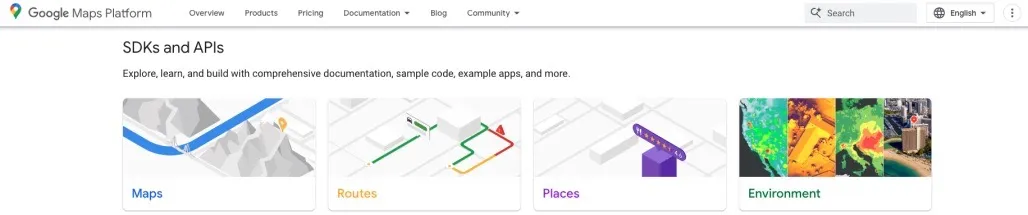
- Google has a variety of APIs related to their Google Maps product:
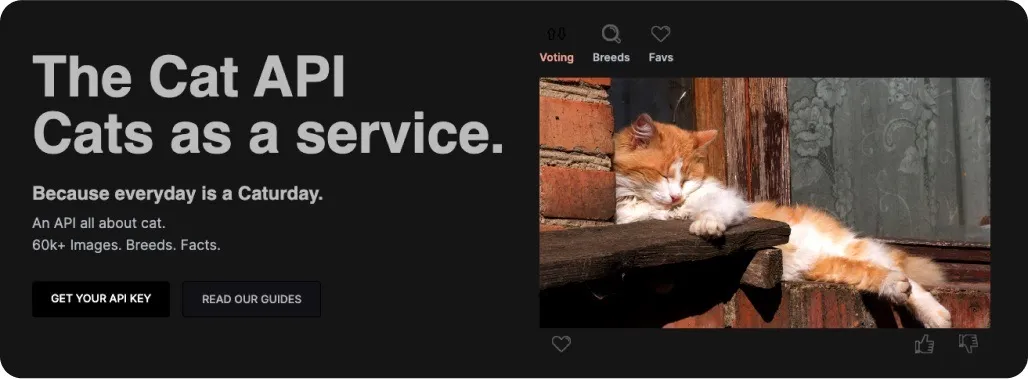
- The Cat API provides cat images on demand:
Examples of Frontend, Backend & Fullstack Apps
Now that we have a better understanding of backends and their functions, let's explore some situations where you might find yourself needing a backend, frontend, or both.
Portfolio Website
Do you want to make a portfolio website?
For this, you probably don't need to create a backend. This would be considered a static website because the same content is displayed every time someone visits. You will still need to host your website on a web server, but you don't need to create your own. There are sites like Github and Netlify, which have web servers for you to use for free!
Social Media App
Do you want to create a social media app, that allows people to create profiles and sign in to your website?
Sounds like you need a backend as well as a frontend. The frontend will allow users to create posts and interact with eachother, while the backend will take care of storing and serving content. This would be considered a dynamic website because the content on the site can be updated and changed by users.
AI Copyright Detector
Do you want to make an app that uses AI to analyze whether some text is copyrighted?
For this, you might just need a backend. You could create a server that receives some text, runs it through a special AI program, and sends back a response of "true" or "false", to indicate whether the excerpt is copyrighted or not. The core of your app would be a backend, but many different frontend apps could use it.
For example, if a school had an app for submitting assignments, they could use your server to verify that students aren't cheating. You might want to make an API reference that explains to other programmers how they can use your server within their app.
Bonus: Cheat Sheet
Wow, that was a lot! Congrats on getting through all that! 🥳
If you've absorbed even half of the information from this article, you're well-equipped to begin writing your own backend code! Mastering this skill is invaluable for any developer.
As an added bonus, I've linked a cheat sheet below with all the topics from this article. Feel free to bookmark it and refer back to it from time to time:
Rio's Cool and Awesome Backend Cheat Sheet
Made by Rio Edwards with ❤️